What Is IPTV and How Does It Work? The Complete Beginner's Guide
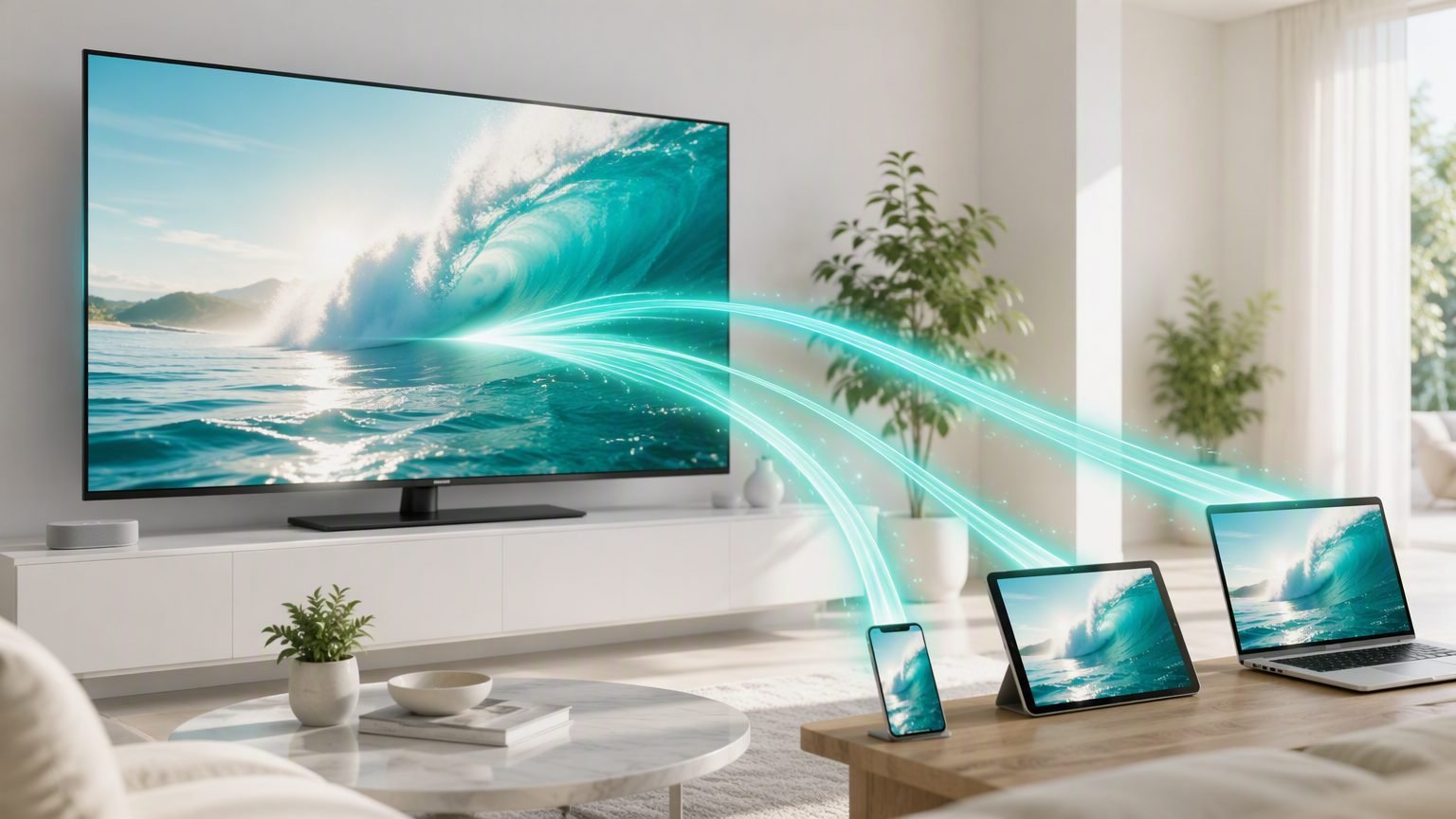
IPTV (Internet Protocol Television) is a way of watching live TV channels, sports and on-demand video delivered over your internet connection — instead of through a cable box, satellite dish or aerial. If you've ever wondered what IPTV is and how it works, the short answer is this: your TV provider sends video as data packets over the internet, and an app on your device turns those packets back into the channel you see on screen.
That's the two-sentence version. In this guide we'll go deeper: how the technology actually delivers a live football match to your TV, how IPTV compares to cable and apps like Netflix, exactly what you need to get started in 2026, and how to avoid the common pitfalls — buffering, unreliable providers and legal grey areas. By the end you'll know whether IPTV is right for you and how to set it up properly the first time.
What Is IPTV?
IPTV stands for Internet Protocol Television. "Internet Protocol" is the same technology that delivers web pages, emails and video calls to your devices — IPTV simply uses it to deliver television. Instead of receiving a broadcast signal through a coaxial cable or satellite dish, your TV channels arrive as streaming data over your broadband connection.
The idea isn't new — telecom companies have delivered TV this way for over a decade — but IPTV has exploded in popularity as fibre and fast broadband have become the norm. In 2026, a typical home connection is easily fast enough to carry several 4K streams at once, which makes internet-delivered TV not just viable but often better than traditional broadcast: sharper picture, more channels, and watch-anywhere flexibility.
IPTV generally comes in three flavours, and most good services offer all of them:
- Live TV — real-time broadcasts of channels: news, entertainment, movies and live sports, just like cable.
- Video on Demand (VOD) — a library of films and box sets you can start, pause and resume whenever you like.
- Catch-up / time-shifted TV — programmes from the last few days that you missed live, ready to replay.
How Does IPTV Work?
Under the hood, IPTV works like any other streaming you already do — the clever part is how it stays smooth for live TV. Here's the journey a channel takes from the broadcaster to your screen:
- Acquisition. The IPTV provider receives the raw TV feeds from broadcasters and content sources.
- Encoding. Each feed is compressed into efficient digital formats (usually H.264 or the newer H.265/HEVC) so a full HD channel fits into roughly 8–15 Mbps of bandwidth.
- Distribution. The encoded streams are hosted on servers — often spread across a content delivery network (CDN) so the stream comes from a location near you, reducing delay.
- Delivery. When you select a channel, your app requests the stream and the server sends it as a continuous flow of small data packets, typically using protocols like HLS that adapt to your connection speed in real time.
- Playback. Your IPTV app buffers a few seconds of video, decodes it and plays it on screen — channel changes feel close to instant on a good service.
The role of the IPTV app
Your provider supplies the streams; an IPTV player app organises and plays them. Apps like TiviMate, IPTV Smarters and OTT Navigator take your provider's playlist (usually an M3U link or Xtream Codes login), build a channel guide with an EPG (electronic programme guide), and handle playback. We compare the best options in our guide to the best IPTV apps for 2026.
The #1 factor in IPTV quality isn't your TV or your app — it's your provider's servers. A premium provider with good infrastructure will outperform a cheap one on the exact same setup, every time.
IPTV vs Cable vs Streaming Apps
Where does IPTV fit between traditional pay-TV and services like Netflix? This comparison sums it up:
| Cable / Satellite | Netflix-style Apps | IPTV | |
|---|---|---|---|
| Live channels | Yes | No | Yes — thousands, worldwide |
| On-demand library | Limited | Yes | Yes — usually very large |
| Live sports & PPV | Yes, expensive add-ons | No | Yes, included |
| Contract | 12–24 months | Monthly | Monthly, no lock-in |
| Typical cost | $80–150 / month | $8–20 / month each | $10–20 / month |
| Equipment needed | Rented set-top box | Any smart device | Any smart device |
The pattern is clear: cable gives you live TV at a premium price with a contract, on-demand apps give you films and series but no live sport, and IPTV combines both worlds at a fraction of the cost — which is exactly why millions of cord-cutters have switched.
What Do You Need to Get Started?
Getting started with IPTV is simpler than most people expect. You need four things:
1. A device to watch on
Almost anything with a screen and an internet connection works: Amazon Firestick, Android TV boxes, Smart TVs, phones, tablets and computers. For the living room, a Firestick 4K or an Android box is the sweet spot of price and performance — see our tested picks in the best IPTV devices of 2026.
2. A decent internet connection
Aim for at least 15–25 Mbps per stream for HD, and 40 Mbps+ for 4K. Stability matters more than headline speed: a rock-solid 50 Mbps line beats a flaky 500 Mbps one. Where possible, use wired Ethernet or sit close to your router on 5 GHz Wi-Fi.
3. An IPTV player app
Free or low-cost apps like IPTV Smarters, TiviMate or OTT Navigator handle your channel list, guide and playback. Most take under five minutes to set up once you have your login details.
4. A subscription from a reliable provider
This is the piece that makes or breaks the experience. A good provider gives you stable servers, a full EPG, 24/7 support and a free trial so you can test before committing. A bad one gives you buffering at kick-off time. Choose carefully — and read real reviews first.
MPTV's premium service comes pre-configured with 20,000+ channels, 4K streams, anti-freeze technology and 24/7 support — no apps to juggle, no playlists to manage.
Is IPTV Legal?
Yes — the technology itself is entirely legal, and it's used by some of the biggest names in broadcasting. Your broadband provider's TV service, broadcaster catch-up apps and countless legitimate platforms are all IPTV under the hood.
Where it gets nuanced is the provider you choose. A service is legitimate when it holds the proper licences to distribute the channels and content it sells. The legal risk sits with unlicensed operators — and in many countries, enforcement has increasingly targeted sellers rather than viewers, though rules vary by jurisdiction.
Always check the rules in your country and favour established, transparent providers. If a service promises every channel on earth for $2 a month with no company details, that's a red flag — for legality and reliability.
Common IPTV Problems (and Quick Fixes)
Most IPTV issues fall into a handful of categories, and nearly all of them are fixable in minutes:
- Buffering or freezing — usually your connection, Wi-Fi interference, ISP throttling or an overloaded server. Try wired Ethernet, a DNS change, or a VPN. We cover every fix step by step in our IPTV buffering guide.
- Channels not loading — often an expired subscription, a playlist that needs refreshing, or temporary server maintenance.
- EPG (guide) missing — normally fixed by re-entering the EPG source URL in your app settings.
- Login errors — double-check your username, password and portal URL; one stray space breaks everything.
Rule of thumb: if the problem appears on every channel and every device, it's your provider or your internet. If it's just one channel, it's the source feed — report it and move on.
That's the complete picture: IPTV delivers live television over your internet connection, an app turns the data into channels, and the quality of your experience comes down to your connection and your provider. Get those two right and you'll wonder why you ever paid for cable.
Frequently Asked Questions
Is IPTV legal?
IPTV technology itself is completely legal — it is simply a way of delivering television over the internet, used by legitimate providers worldwide. Legality depends on whether the specific service holds licences for the content it distributes. Always choose providers that operate with proper broadcasting rights in your country.
What internet speed do I need for IPTV?
For smooth HD streaming you need at least 15–25 Mbps per stream. For 4K content, aim for 40 Mbps or more. A stable connection matters more than raw speed — wired Ethernet or strong 5 GHz Wi-Fi gives far better results than a fast but unstable line.
Do I need a special box for IPTV?
No. IPTV works on almost any connected device: Amazon Firestick, Android TV boxes, Smart TVs, smartphones, tablets and computers. You simply install an IPTV player app and add your provider's playlist or login details. A dedicated streaming stick is the most popular option because it is cheap and plugs straight into any TV.
What is the difference between IPTV and Netflix?
Netflix is a video-on-demand service with a fixed catalogue of films and series. IPTV focuses on live television — real-time broadcasts of channels, sports and news — usually alongside a large on-demand library and catch-up TV. Think of IPTV as a full cable replacement rather than a single streaming app.
Why does my IPTV keep buffering?
Buffering is usually caused by an unstable internet connection, Wi-Fi interference, ISP throttling or an overloaded provider server. Quick fixes include switching to wired Ethernet, changing your DNS, using a VPN to bypass throttling, or lowering the stream quality. Persistent buffering often points to an unreliable provider.